Our Products / Barcode Hardware

Definition.

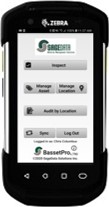
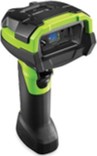
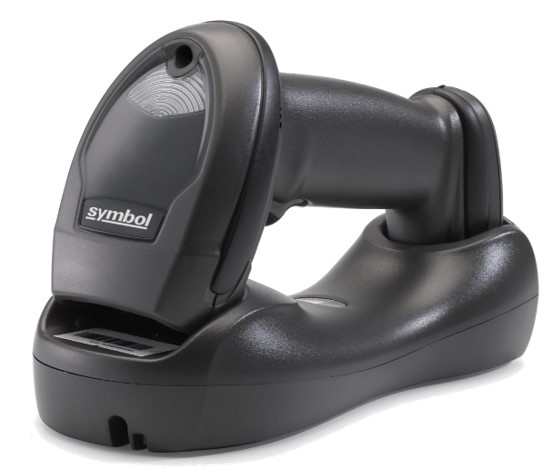
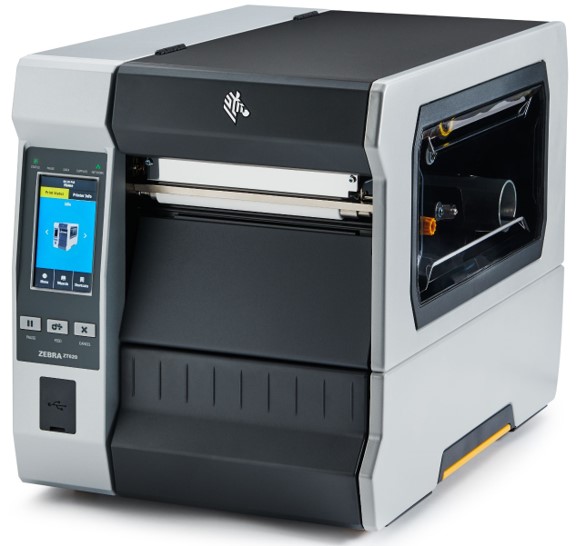
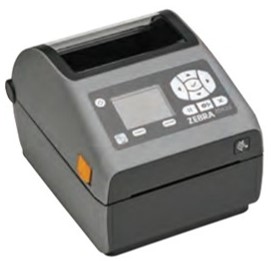
The barcode specific hardware that we supply generally falls into three categories: handheld mobile units - usually with integrated barcode readers; barcode readers for use with desktop or laptop computers; and barcode printers.

Range of products.

SageData supply hardware from many different manufacturers.   We generally focus on barcode specific hardware, but will supply servers and desktop computers if they are part of a system using barcodes or mobile handheld units.  We have a close relationship with the top vendors, and often participate in the initial field testing of new products.


Handheld units.

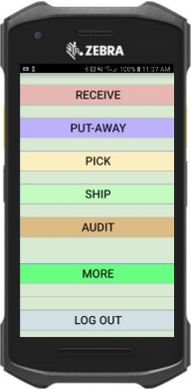
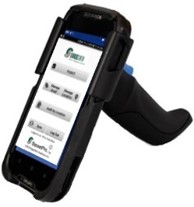
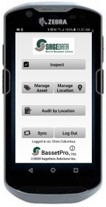
This is the basic workhorse for many of our systems.  The standard products include a screen (usually quarter VGA), a  keyboard, processor  and  memory.  Most units today use a colour, touch sensitive screen.  These devices place great emphasis on robust construction and long battery life.  Handheld units can be broken down into two categories: batch and RF.

Batch mode mobilehand held computers.

These units are intended to operate autonomously - independent of all other support systems.  Data is loaded to the machine.  During use, that data can be referenced for confirmation or direction.  At the conclusion of the mission, information is moved back to the central system.  Key elements include data security (protection from loss of data), and the requirement to synchronise copies of a database which may have been independently updated.

More generic information on handheld computers

RF Mode Handheld computers.

These units are set up to operate in conjuction with a central server.  In operation, they pass the users request back to that central server, and display the servers response to the user.  Use of these units is restricted to the area covered by the radio system - usually some hundreds of feet in any given direction.  Benefits include ease of use and immediate access to current data.

Barcode readers.

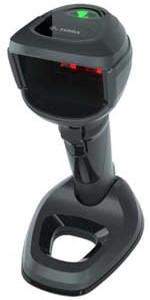
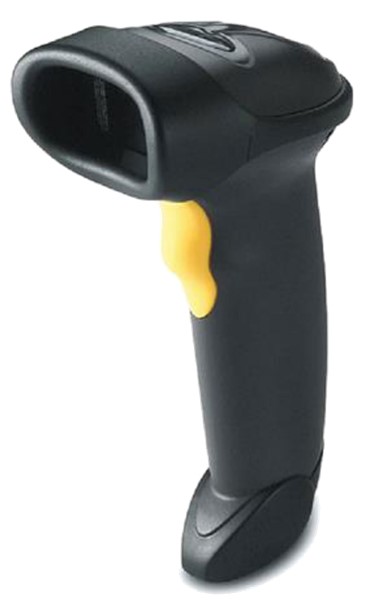
Sometimes called wedge readers, tethered scanners, or presentation scanners, these devices are connected to a conventional Windows machine (either desktop or notebook) and enable that machine to read information presented in barcode format. 

What is a "wedgereader"?

In recent years, desktop machines often connected the scanner between the keyboard and system unit.  Now, most readers connect through the USB port.  Some configuration may be required.

What is a "presentation scanner"?

Most readers are operated manually - the user picks them up and points at a bar code.  Sometimes it is more convenient to leave the scanner in place, and present the bar code to the reader.  The reader in this case is called a presentation scanner, as the bar code is "presented" to the scanner.  This set up is particularly useful in a manufacturing environment, where a worker may be handling an item, and needs to identify that item by scanning a barcode.

Barcode Printing.

Bar code printing is very difficult.  But it is also very easy.
By this we mean that it is very easy to do, if you follow carefully a long list of pre-requisites.  But very easy to get wrong ifyou miss a single step.

Barcode printers.

The first step is to buy the right printer.  Many printers on the market today are far from robust.   They are difficult to get working, and easily fall out of adjustment.  We recommend investment in an industrial quality printer.

Barcode printing software.

Having selected the printer, the application is the next issue.  The  application must be capable of controlling the printer, or a seperate  software application is required.  These packages can be extremely complex and difficult to set up.

Barcode printing supplies, labels and ribbons.

After that, there is the selection of supplies, label stock and ribbons.  Plenty of scope for error there.

Barcode printing label design.

And finally, the design of the labels themselves.  Did you get the quiet zone right?

The barcode registry.

One of the key administrative challenges is that of keeping a registry of numbers issued.  We have helped several clients who have ended up with overlapping ranges (and logical chaos) in their systems.  SageData provides a registry for our clients.  They need only order "another ten thousand of the small ones", and we will ensure that the new sequence will be contiguous, and not overlapping.

Barcode printing - summary.

None of these issues is insurmountable.  But there is plenty to get wrong.  Make sure you work with a barcode professional, before selecting and setting up your barcode printing system.

Further questions? We will be glad to help.


For more information, or to ask a detailed question, contact SageData directly.

To reach us by phone from Ottawa, dial 613 225 4404
To reach us by phone from outside Ottawa, dial 1-888-838-1067

.
  © SageData. All rights reserved. Tel: 1-888-838-1067   •   Email: sales@sage.ca   •   Privacy Statement  


Left Menu
Learning Center    Learning Center
Left Menu
RFID
Barcodes
Handheld Computers
Systems for...    Applications for...
Left Menu
Archival File Storage
Asset Management
Fire Equipment Inspections
Warehouse Management
More
We Offer    Our Products
Left Menu
Design
RFID Software
Barcode Software
RFID Hardware
Barcode Hardware
RFID Tags
Barcode Labels
Training, Support
The Latest    The Latest
Left Menu
RFID, Barcode News
FAQ
About Sage Data    About Sage Data
Left Menu
The Company
Contact Info
Support    Support
Left Menu
Ask the Experts
Request Help
Left Menu


breadcrumb
breadcrumb